 Jenny Mod
 Guides
All Jenny Mod Characters
Start with Jenny, then check which companions your build includes. Character lists change between Java releases and community Bedrock add-ons.
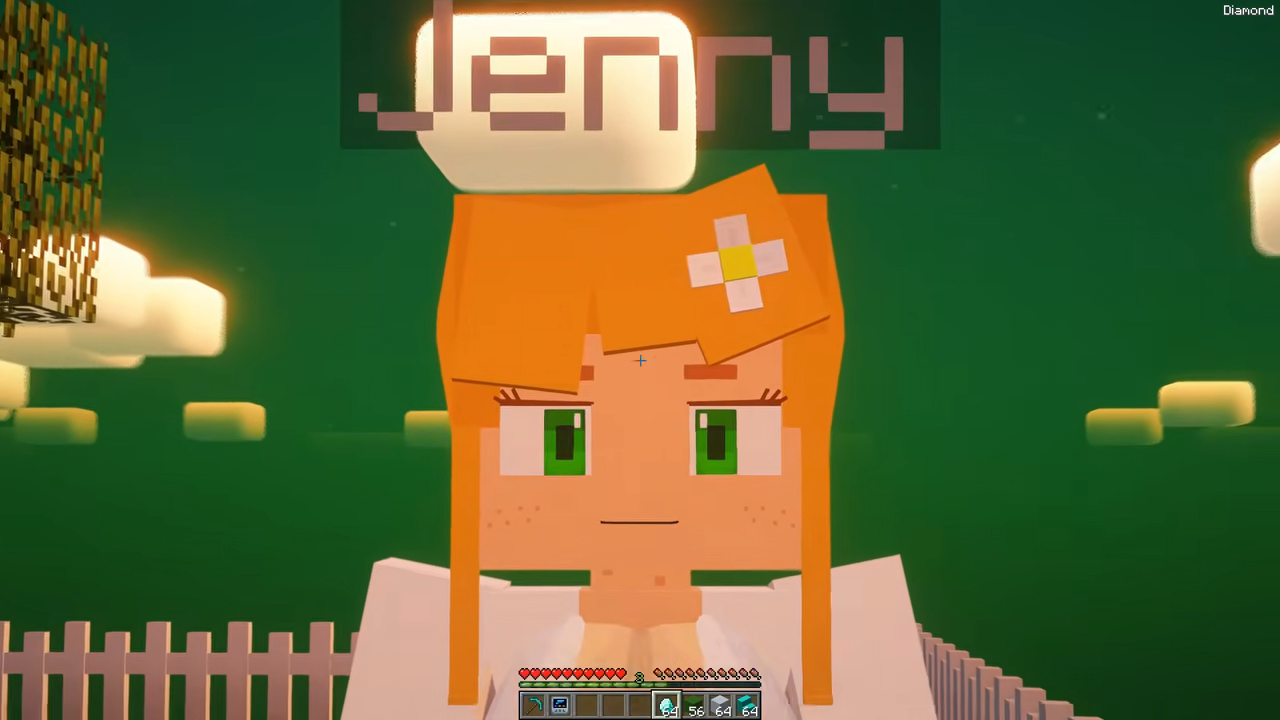
Which Characters Are in Your Build?
The useful starting point for an all Jenny Mod characters list is the release you actually have. You will see overlapping names across videos and fan guides, but those lists can combine several projects. A character shown in one Java showcase may be missing from a different Java fork or a community Bedrock add-on.
Jenny is the character most closely associated with the mod. Other names you may encounter include Ellie, Bia, Bee, Galath, Allie, Luna, Slime Girl, Goblin, Kobold, and Manglelie. Treat that as a list to check against your package. The screenshots on this page show one creator’s recorded setup, so use their source links when you want to compare the exact scene.
| Character name | What you should check |
|---|---|
| Jenny | The release’s main character model and supported spawn method. |
| Ellie | Whether Ellie appears in the package’s character list or inventory. |
| Bia | The included model, item labels, and build requirements. |
| Bee | Whether the name refers to a companion entity or a skin. |
| Galath | The release notes and any separate character requirements. |
| Other community characters | Whether your specific fork or add-on includes them. |
Jenny and the other companion names
It is tempting to attach a fixed personality, spawn location, or special ability to every name. Those details are useful only when they match the release you are playing. If a guide promises that a companion always appears in a particular biome, look for a matching version number and an in-game demonstration before you spend time searching there.
You can usually learn more from the package’s actual item names than from a promotional collage. Open the Creative inventory and look for its item group, search results, or documented spawn items. A different spelling can also matter. Try a partial name if the full name produces no result, then inspect the item tooltip before placing it.
How to Find Available Characters
- Open a separate Creative world. Use the Java profile or Bedrock world configuration you prepared for this release. A test world gives you room to check items without changing your existing save.
- Confirm that the content loaded. On Java, check the Mods screen. On Bedrock, open the world’s pack settings and check the required components.
- Search the inventory. Look for a documented name, mod item group, or spawn egg. Your release may use a different method, so check its instructions if nothing appears.
- Use the supported spawn method. For a spawn egg, select it in the hotbar and use it on a clear block of ground. Check your controls if the expected action does nothing.
- Compare the result. Look at the model, item label, and supported interaction. That gives you a practical record of what your build contains.
Keep commands specific to your release. Entity identifiers can change between mods and add-ons, even when both use the same character name. Copying a summon command from an unrelated guide may give you an unknown-entity error. Use the identifier documented by the package creator when one is available.
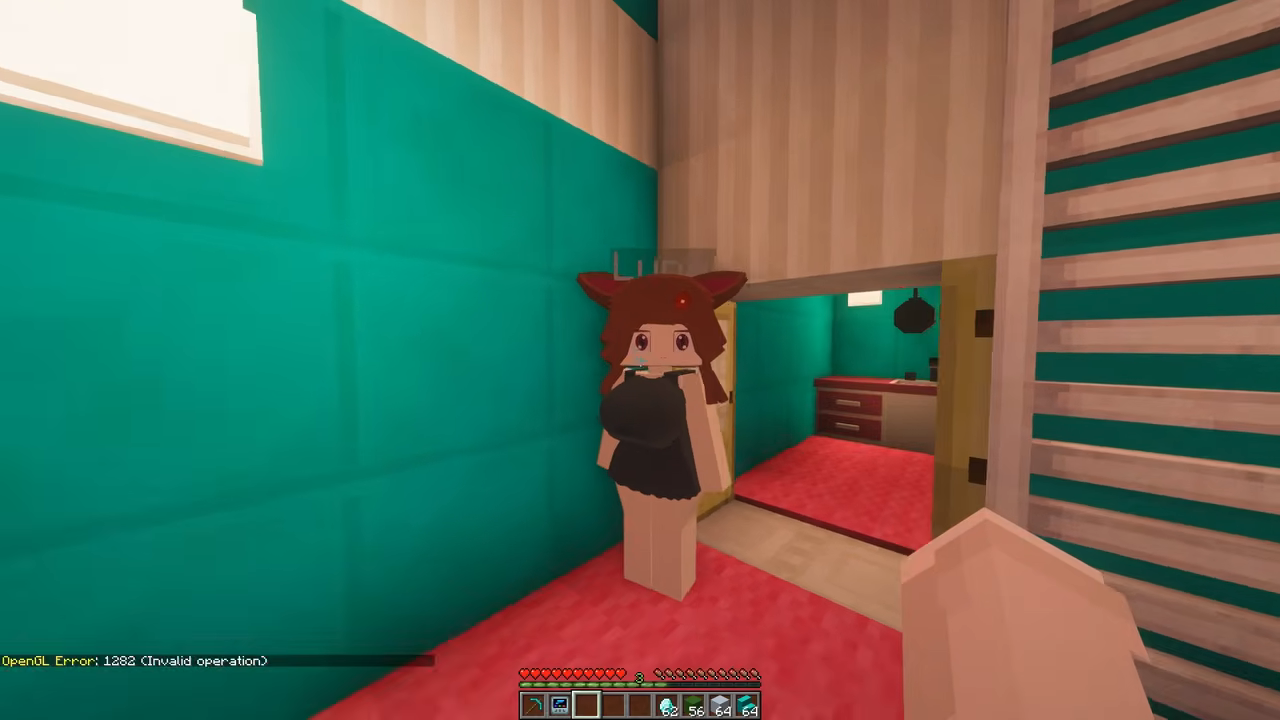
Check a character before adding more
Start with one entity and watch what happens. Can you see its textures? Does it stay in the world? Do the controls described by the release work? Testing one character at a time makes it easier to notice a missing resource, an unexpected interaction, or a performance problem.
If you want to keep track of a larger roster, write down the character name and the package version beside it. You can then compare an update with your working setup. Keep the original download filename too, especially when two community builds use similar names but contain different files.
Why Your Roster May Be Different
A Java mod, a Bedrock behavior pack, and a character skin serve different purposes. A skin can change an appearance without adding a companion entity. A resource pack can supply visuals, while behavior content controls supported entity actions. Check which pieces your download actually provides before expecting the same result as a video.
The same caution applies to character collections. A creator may assemble several mods or packs for a showcase. The finished video can look like one large character set even when the installation uses multiple components. Read the description and compare the file list rather than assuming one download includes everything shown.
When a character is missing, begin with the simplest checks. Confirm your edition and game version, check that the package loaded, and look for required dependencies. On Bedrock, an imported pack still needs to be active in the world. If you added several packs together, return to a test world and enable only the components required by this release.
Keep your working files available while comparing community releases.
How to compare two character lists
Compare like with like. Note the edition, game version, package name, and release date for each list. Then separate confirmed entries from names mentioned only in a description. You may find that two apparently conflicting lists describe different forks rather than a mistake in your installation.
Also distinguish a renamed model from an extra character. A resource pack can alter the appearance of an existing entity, so two screenshots with different outfits may still show the same entry. Use the inventory label and release documentation to resolve that question.
Questions About Characters
Does every build include all characters?
Character availability depends on the package. Check the included roster and supported edition before downloading.
Can I add a missing character?
Only use an expansion or compatible component documented for your release. A loose model file or a skin usually cannot create a fully working companion by itself.
Why does a character look different in my game?
You may be using a different model, resource pack, fork, or version. Compare your files with the video’s documented setup.
For the first installation, follow the PC setup guide. If your character appears but movement is missing, the animation guide covers the next checks.